25.用户管理功能开发

分类: springboot vue 专栏: 【带小白做项目】SpringBoot+Vue后台管理系统 标签: 用户管理
2025-08-19 19:34:46 473浏览
spring boot和vue开发
这个属于是管理员端的功能
用户管理-管理员-开发员-普通用户
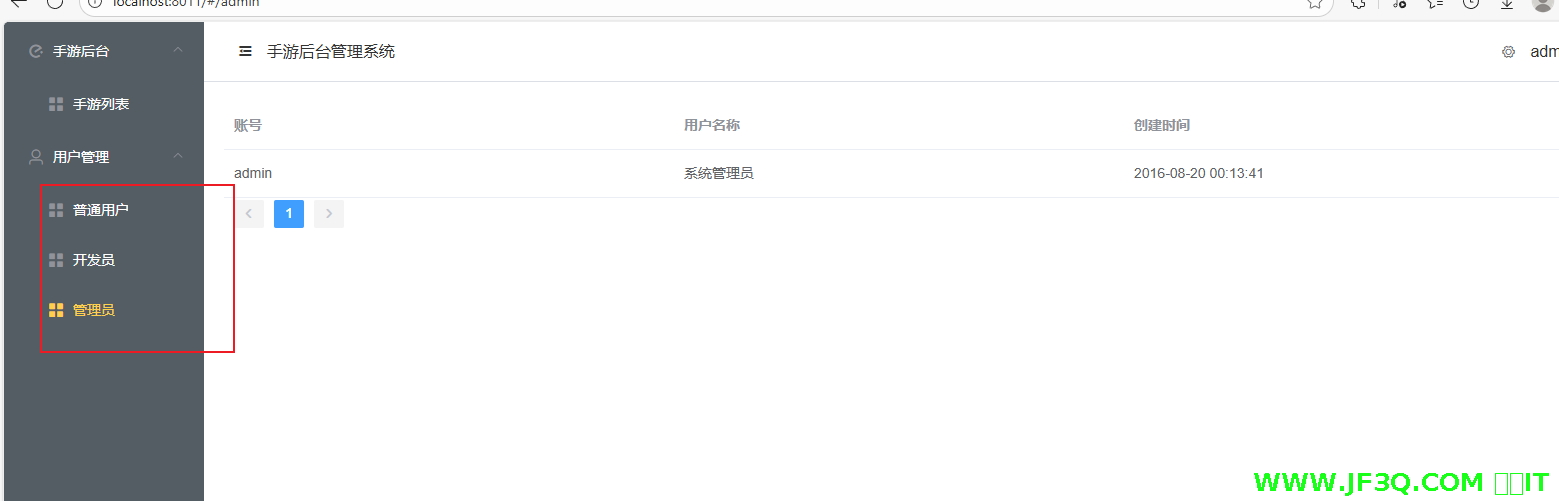
可以搞稍微复杂一点,
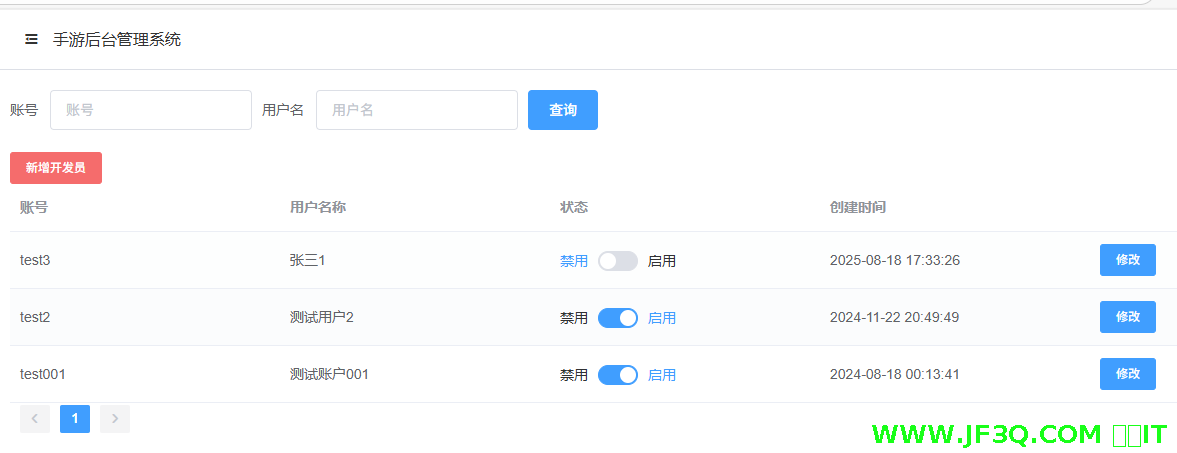
- 管理员可以添加开发者账号,对其进行增改查+禁用启用
- 管理员可以对普通用户进行查询+禁用启用
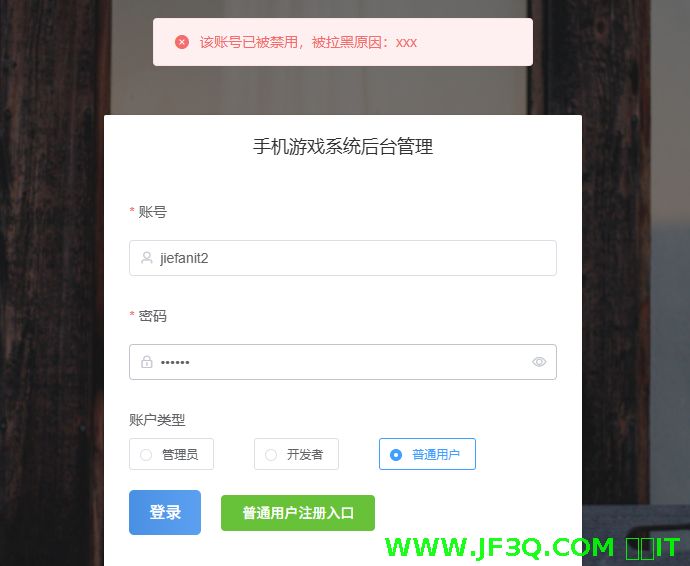
禁用启用开发员
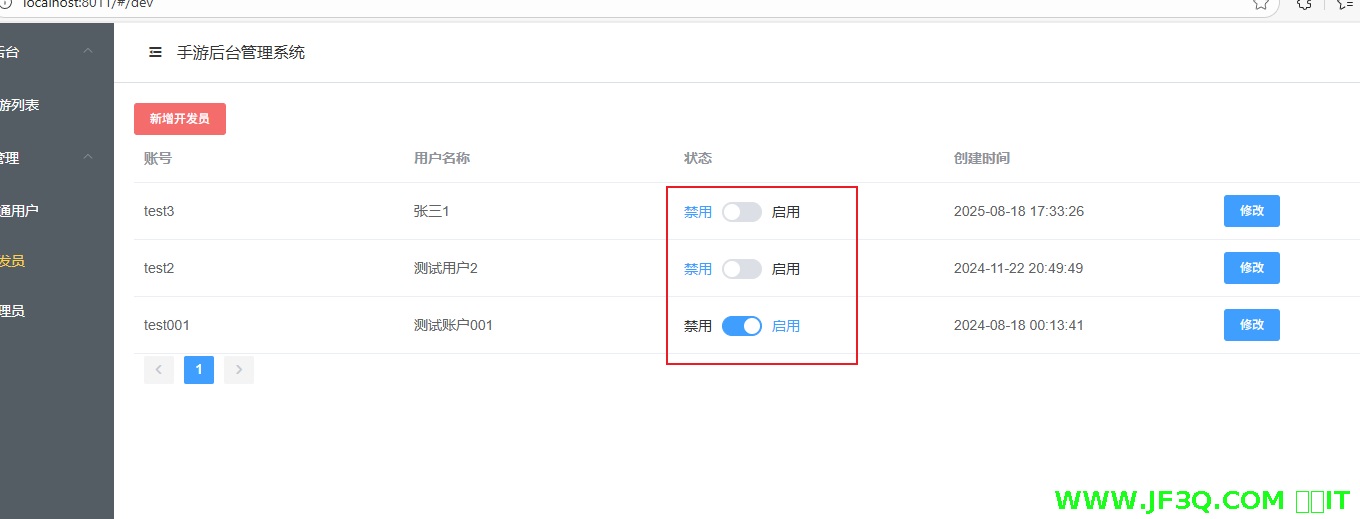
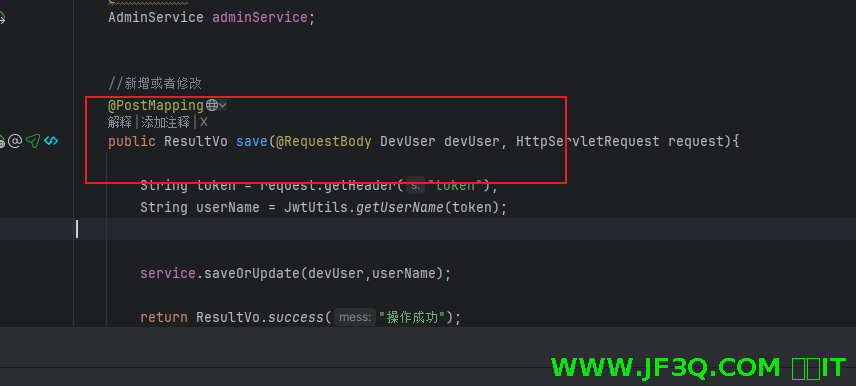
我们没有写启用禁用的 control,因为启用禁用的本质也是修改,所以我们的接口一直可以重复使用 ——新增或者修改的这个 control 接口
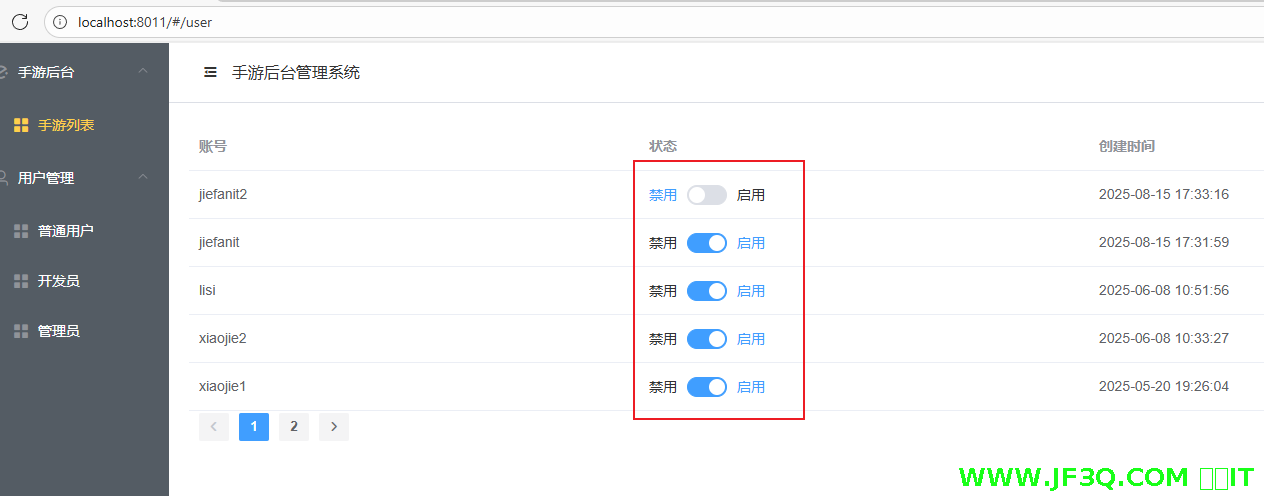
禁用启用普通用户
开发员条件查询
普通用户条件查询
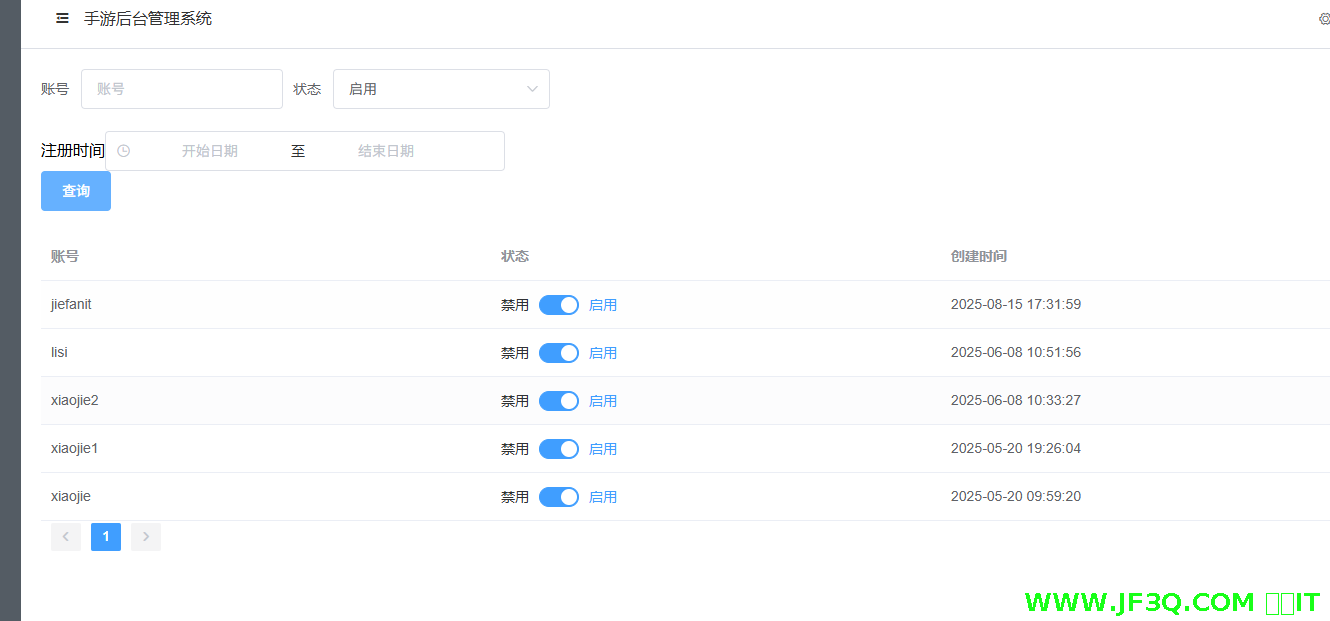
注册时间做个演示 ,时间范围查询
前端
<div class="block">
        <span class="demonstration">注册时间</span>
        <el-date-picker
            v-model="formInline.rangeTime"
            type="datetimerange"
            :picker-options="pickerOptions"
            range-separator="至"
            start-placeholder="开始日期"
            end-placeholder="结束日期"
            align="right">
        </el-date-picker>
      </div>
  formInline:{
        username:'',
        status:'',
        rangeTime: null
      },
rangeTime必须是null
export function getUserPage(data,pageNum) {
    return request({
        url: '/userManger/userPage?pageNum='+pageNum,
        method: 'post',
        data: data
    })
}
请求最好是 post 请求,因为携带数组比较方便
后端
   @PostMapping("/userPage")
    public ResultVo userPage(@RequestBody Userinfo userinfo,@RequestParam(defaultValue = "1") Integer pageNum){
        PageInfo<Userinfo> page=userinfoService.getPage(userinfo,pageNum);
        return ResultVo.success("",page);

    }
实体类中加了一个属性
 //时间范围  用于条件查询
    private List<Date> rangeTime;
<select id="selectAll" resultType="com.jf3q.app_back.domain.Userinfo">
select
<include refid="Base_Column_List" />
from userinfo
<where>
<if test="username != null and username != ''">username = #{username}</if>
<if test="status != null"> and status = #{status}</if>
<if test="rangeTime != null and rangeTime[0] !=null and rangeTime[1] !=null">
and createtime BETWEEN #{rangeTime[0]} AND #{rangeTime[1]}
</if>
</where>
</select>重点学习一下时间范围查询!!!!
v:jf3qcom
好博客就要一起分享哦!分享海报
此处可发布评论
评论(0)展开评论
暂无评论,快来写一下吧
展开评论



他的专栏
 新业务
新业务  springboot学习
  ssm框架课
  vue学习
vue学习  【带小白】java基础速成
 他感兴趣的技术
